intellego
The Welcome tab is the cockpit
You should not have to hunt Settings before you know whether Grok will answer.
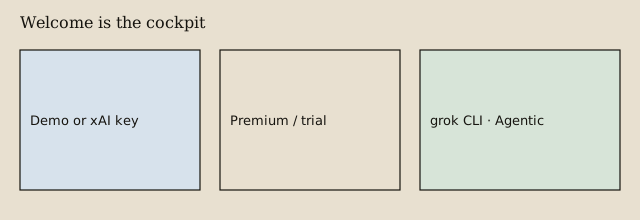
Welcome is the first tab when Grok Assistant opens. It shows Demo Access, the xAI key, Premium, Collections, service health, and whether grok is on the PATH. Green means OK. We do not paint the tool window like an incident board.
Use it on a fresh install
- Install from Marketplace.
- Request Demo Access if you have no key yet — or paste a key and Test connection.
- Test Connection saves the typed key. You do not have to click Apply first.
- Get Premium when you want Agentic. Refresh license once if a restart looks stale.
This is the whole onboarding. The Marketplace Overview is advertising. Welcome is the workbench.